
Best WordPress Form Builder Plugins Compared for 2026 Compared
Looking for the best WordPress form builder plugins for your website in 2026? The right plugin helps you create contact forms, lead generation forms, registration forms, surveys, and other online forms without coding every field from scratch. In this guide, compare popular WordPress form plugins by features, ease of use, and lead-generation capabilities. We also cover free WordPress form plugins, drag and drop form builder options for WordPress, and tools with conditional logic so you can choose a solution that fits your website.
- Best WordPress Form Builder Plugins Compared for 2026 Compared
- What Is a WordPress Form Builder?
- Essential Features to Look for in a WordPress Form Builder
- Best WordPress Form Builder Plugins Compared for 2026
- WordPress Form Builder Feature Comparison
- How to Choose the Best WordPress Form Plugin for Your Website
- Why Choose Dragwyb Forms for WordPress?
- WordPress Form Builder FAQs
- Ready to Create a WordPress Contact or Lead Generation Form?
What Is a WordPress Form Builder?
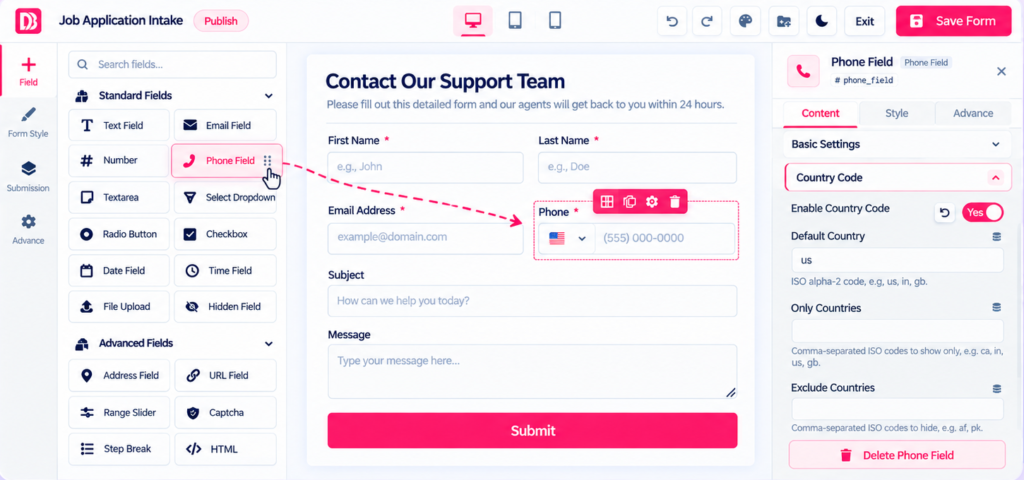
A WordPress form builder plugin lets you create and publish forms from your WordPress dashboard without manually coding every field. Many plugins provide a drag and drop form builder for WordPress, allowing you to add fields, configure settings, and arrange a form visually. Depending on the plugin, you can create contact forms, enquiry forms, registration forms, surveys, and lead capture forms, then configure validation, notifications, and submission management.
Essential Features to Look for in a WordPress Form Builder
Before choosing from the best contact form plugins for WordPress, match the features to your website goals. A basic contact form may need only a few fields, while lead generation and application forms may benefit from conditional logic, multi-step layouts, stored submissions, and email notifications. If your budget is limited, compare the features included in free WordPress form plugins before deciding whether you need a paid plan.
Best WordPress Form Builder Plugins Compared for 2026
The best WordPress form builder plugins offer different strengths. Some focus on simple contact forms, while others provide visual editing, conditional fields, multi-step forms, submission management, or integrations. Compare the options below based on your required features, ease of use, budget, and lead-generation workflow. Feature availability may vary by plugin version and plan.

Dragwyb Forms
A visual WordPress form builder for contact forms, lead capture, conditional fields, and form submissions.

WPForms
A widely used option with a beginner-friendly form creation experience.

Contact Form 7
A long-standing option for creating basic contact forms, with extensions available for additional features.

Formidable Forms
A form builder aimed at more complex forms and data-driven workflows.

Gravity Forms
A form builder known for configurable forms and a range of integrations.
WordPress Form Builder Feature Comparison
| Feature | Dragwyb Forms | WPForms | Contact Form 7 | Formidable Forms | Gravity Forms |
|---|---|---|---|---|---|
| Visual Builder | Yes | Yes | Basic | Yes | Yes |
| Conditional Logic | Yes | Available | Extensions | Available | Available |
| Multi-Step Forms | Yes | Available | Extensions | Available | Available |
| Submission Management | Yes | Available | Extensions | Available | Available |
| Analytics | Yes | Available | Extensions | Available | Available |
This comparison is a starting point, not a guarantee that every feature is included in every plan. Features and integrations change, so confirm current plugin documentation and pricing before installing.
How to Choose the Best WordPress Form Plugin for Your Website
Use this checklist to select a form builder that fits your visitors, workflow, budget, and technical requirements.
Why Choose Dragwyb Forms for WordPress?
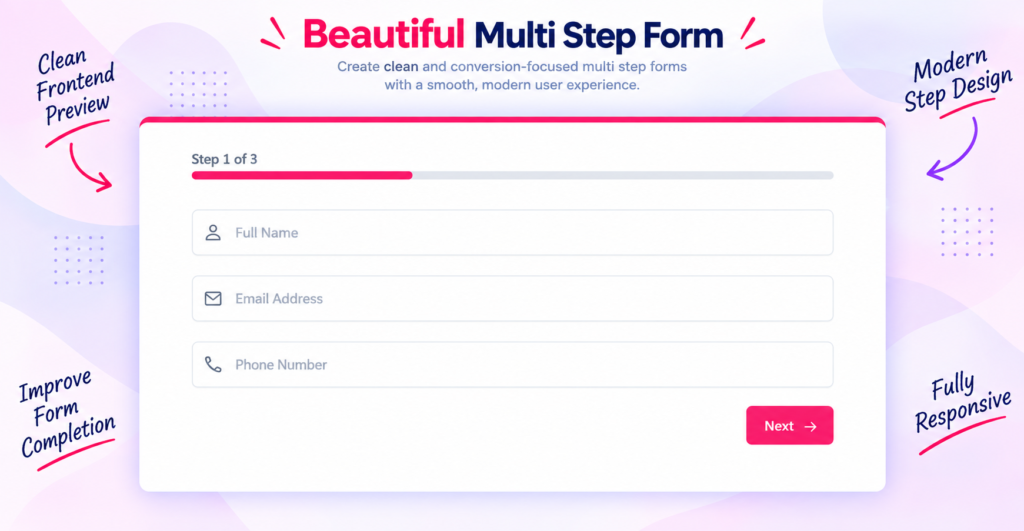
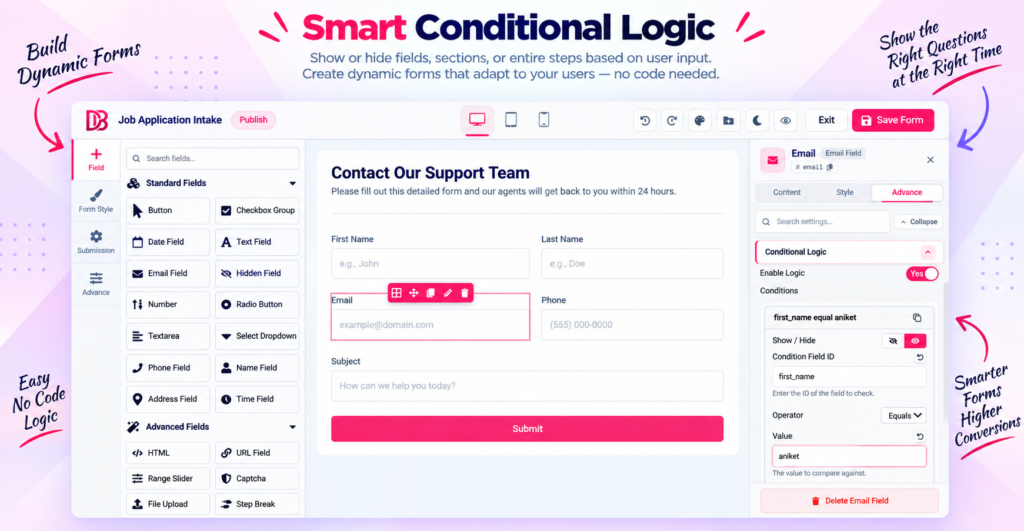
Dragwyb Forms is a WordPress form builder for creating contact forms and lead generation forms through a visual editing workflow. Its feature set includes a drag-and-drop form builder, conditional fields, multi-step forms, form templates, submission management, email notifications, analytics, SMTP configuration, spam-protection options, and privacy settings. Forms can be added to WordPress pages using the supported shortcode workflow. Check the official plugin listing for current details and feature availability.
WordPress Form Builder FAQs
Ready to Create a WordPress Contact or Lead Generation Form?
Try Dragwyb Forms to build WordPress forms, collect visitor enquiries, and manage submissions from your website. Explore the plugin details and check the current feature list before getting started.