
n8n alternatives for WordPress are worth comparing when you want to choose a solution based on real workflows rather than feature lists. This guide reviews the main evaluation points, explains where different tools fit, and highlights what to test before choosing a product. The right option depends on your site, integrations, budget, data requirements, and the level of control your team needs.
How we evaluated the options
This guide is intended to help readers choose a tool for a particular use case, not to declare one product universally best. Compare the current plugin versions using the same test site and workflow. Check each vendor’s official documentation and pricing page immediately before publication because features, plan limits, and prices can change.
- Self-hosting: do you need to control the automation runtime and infrastructure?
- WordPress integration: does the tool support your exact post, form, WooCommerce, or plugin events?
- API flexibility: can you call endpoints and transform payloads?
- AI support: can you connect models, tools, and structured outputs?
- Reliability: are execution logs, retries, and failure paths clear?
- Maintenance: who handles updates, backups, credentials, and uptime?
- Cost: compare plugin plans, hosting, managed-service tasks, and AI usage.
Plugins and tools worth comparing
1. AI Agent Workflows by Dragwyb
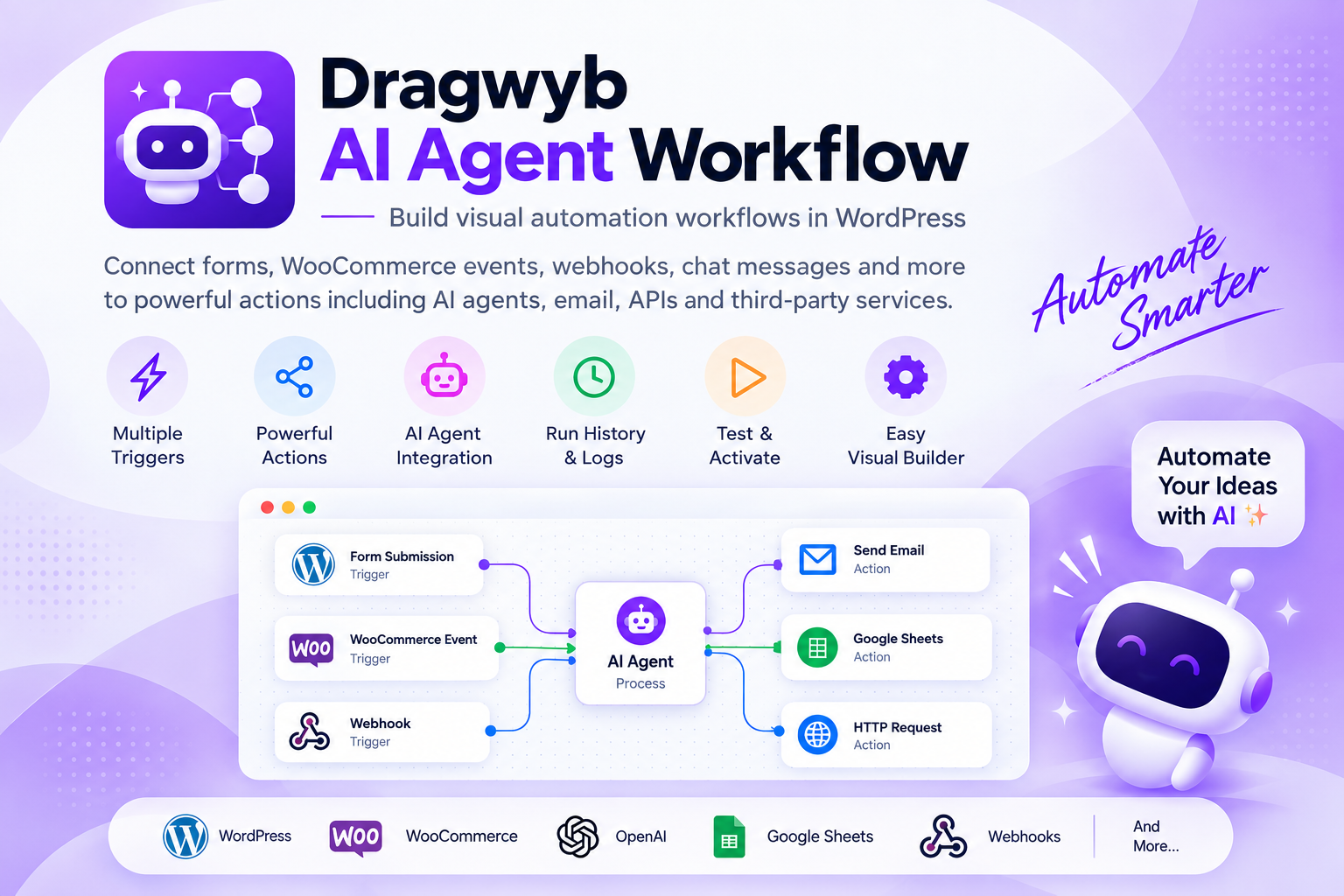
A WordPress-focused visual workflow option with documented AI agent nodes, supported event triggers, conditional routing, webhooks, provider connections, and execution history. Consider it for WordPress-first AI workflows.
2. Uncanny Automator
A WordPress plugin to evaluate for connecting events and actions across supported plugins. Check integration coverage and plan requirements.
3. AutomatorWP
A trigger/action-based WordPress automation plugin. Compare its integration catalog and add-on model with your n8n workflow.
4. SureTriggers
A hosted automation service with WordPress connectivity. Consider it when you prefer a managed service over maintaining workflow infrastructure.
5. Zapier
A hosted platform with a broad app ecosystem. It may be suitable when integrations matter more than self-hosting or deep workflow customization.
6. Make
A visual automation platform for multi-step scenarios across apps. Compare operation limits, data transformation, and pricing.
7. Bit Flows
A visual workflow option to investigate for WordPress and external app automation. Verify current support for the events and services you use.
Where Dragwyb fits
Use the official Dragwyb documentation portal to verify triggers, model providers, nodes, conditions, webhooks, and run-history capabilities before comparing a specific workflow with n8n.
How to choose the right option
- Choose a WordPress plugin when the automation is mostly site-local and supported integrations are sufficient.
- Choose n8n when self-hosting and flexible API orchestration are essential.
- Choose a hosted platform when you want managed infrastructure and broad app coverage.
- Choose AI Agent Workflows when the workflow is WordPress-centric and needs documented AI-agent steps.
- Run a proof of concept using the same trigger, data transformation, AI step, and final action in each candidate.
n8n alternatives for WordPress: Features and Checks That Matter
When comparing n8n alternatives for WordPress, start by writing down the exact task you want to solve. A basic requirement may need only a lightweight plugin, while a larger workflow can require integrations, team permissions, reporting, and dependable support.
Test n8n alternatives for WordPress with the same realistic scenario on each shortlisted product. Record setup time, the number of steps required, whether the result is reliable, and what happens when information is missing or a connected service is unavailable.
Table of Contents
Review the total cost of n8n alternatives for WordPress, not just the advertised starting price. Check paid extensions, usage limits, external API charges, hosting requirements, agent seats, and the effort needed to maintain integrations over time.
Security and privacy should be part of your evaluation of n8n alternatives for WordPress. Check what data is sent to third-party services, how access is restricted, whether logs contain personal information, and how administrators can revoke integrations or user permissions.
Before selecting one of these n8n alternatives for WordPress, verify current compatibility, documentation, update history, and support options. Features and plan limits can change, so confirm important claims on the vendor’s official site before relying on them.
Final recommendation
There is no universal n8n replacement. For a WordPress-first workflow, evaluate AI Agent Workflows and other WordPress automation plugins. For infrastructure control and broad API orchestration, n8n may remain the better fit. Compare the real workflow rather than the product category alone.
Frequently asked questions
Should I choose the plugin with the most features?
Not necessarily. Choose the tool that covers your required workflow with the least unnecessary complexity.
Should I compare free and paid plans separately?
Yes. Record which features are available in the free version, which require an upgrade, and whether external service costs apply.
For additional guidance, consult the official reference and documentation when checking compatibility, setup requirements, and current capabilities.
How often should this comparison be updated?
Review it at least quarterly and whenever a major product release, pricing change, or compatibility change affects the comparison.
