

WooCommerce AI shopping assistant are worth comparing when you want to choose a solution based on real workflows rather than feature lists. This guide reviews the main evaluation points, explains where different tools fit, and highlights what to test before choosing a product. The right option depends on your site, integrations, budget, data requirements, and the level of control your team needs.
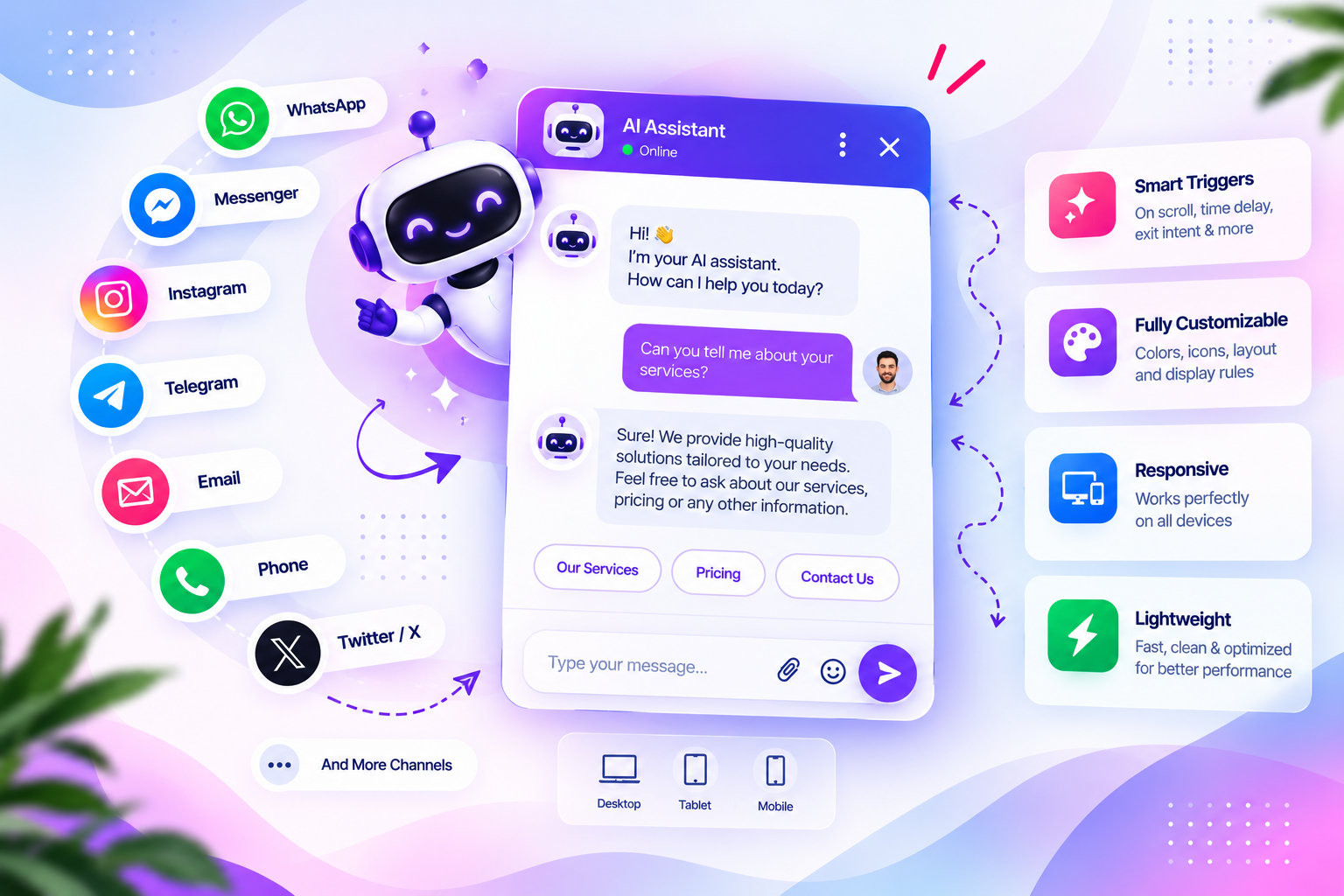
Dragwyb Click to Chat documents WooCommerce assistance as part of its AI shopping experience, including product recommendations and order-status assistance. These workflows depend on WooCommerce and the relevant plugin modules being configured; installing the plugin alone does not automatically enable every capability.
What can a WooCommerce AI shopping assistant do?
- Help visitors explore products through a conversational interface.
- Provide product recommendations using the shopping workflow documented by the plugin.
- Assist with order-status questions where the required WooCommerce integration and authorization are available.
- Connect a shopping conversation with the wider AI Assistant experience.
The exact questions, product data, and order operations available depend on the installed plugin version and configuration. Do not promise that a chatbot can access every order or perform every store action.
Check the requirements before setup
Confirm that WooCommerce is installed and active, the relevant Click to Chat modules are enabled, and the AI provider connection is configured. Review the plugin’s current WooCommerce Shopping and Orders documentation and the settings visible in your installed version.
Enable the required Click to Chat modules
- Open Click to Chat → Settings → General.
- Review the module controls and enable the AI Assistant module needed for the conversational experience.
- Save the settings and open the AI Assistant configuration.
- Connect the supported AI provider and model using valid credentials.
- Review the assistant instructions, response settings, and any available knowledge sources.
- Configure the WooCommerce shopping workflow using the relevant settings and guides in your installation.
The Click to Chat feature overview explains how the Social Channels, AI Assistant, and Support Center modules are managed separately. The initial setup guide explains the module setup sequence.
Prepare product information for useful recommendations
Product recommendations are only useful when the underlying product information is clear and current. Review product titles, descriptions, categories, attributes, stock information, and other store details that the supported shopping workflow uses. Avoid assuming that every field is available to the assistant; verify the actual data exposed by your installed version.
- Use accurate product names and descriptions.
- Keep product attributes and availability current.
- Avoid contradictory prices or outdated promotional details.
- Make product pages easy to open from a recommendation.
- Define when the assistant should ask a clarifying question instead of guessing.
Treat order-status questions as a privacy-sensitive workflow
Order assistance must not expose one customer’s order details to another visitor. Test the order lookup flow using test orders and accounts. Verify what information the assistant asks for, how the customer is authorized, and what order data can be returned. The plugin FAQ recommends checking WooCommerce availability, the order identifier, and authorization for the requested order when order lookup fails.
Read the Click to Chat FAQ and the WooCommerce Shopping and Orders section in the official documentation before enabling customer-facing order assistance. Do not test with real customer data until access controls have been verified.
Table of Contents
Test common shopping conversations
- Ask for a product by category and verify that recommendations are relevant.
- Ask a follow-up question about a product and check the source information.
- Ask about a product that does not exist and verify that the assistant does not invent it.
- Test an order-status request with an authorized test customer.
- Test an order lookup without valid authorization and confirm that private information is not disclosed.
- Check how the assistant responds when WooCommerce is unavailable or required data is missing.
Connect support when the shopping assistant cannot help
Some questions need a human response. Dragwyb Click to Chat also documents a Support Center for ticket creation, assignment, agent replies, private staff notes, ticket status and priority management, customer-facing support portals, and email notifications. Enable and configure that module separately if your team needs ticket-based follow-up.
See the Support Desk and Ticket Lifecycle guide for the documented support workflow.
Launch checklist
- WooCommerce is active and store data is accurate.
- The required Click to Chat module is enabled.
- The AI provider and model are connected and tested.
- Product recommendations are checked against real product data.
- Order lookup is tested with authorized test accounts.
- Unauthorized order requests do not reveal private information.
- Support handoff and failure behavior are understood.
- The visitor-facing experience is tested on desktop and mobile.
WooCommerce AI shopping assistant: Features and Checks That Matter
When comparing WooCommerce AI shopping assistant, start by writing down the exact task you want to solve. A basic requirement may need only a lightweight plugin, while a larger workflow can require integrations, team permissions, reporting, and dependable support.
Test WooCommerce AI shopping assistant with the same realistic scenario on each shortlisted product. Record setup time, the number of steps required, whether the result is reliable, and what happens when information is missing or a connected service is unavailable.
Review the total cost of WooCommerce AI shopping assistant, not just the advertised starting price. Check paid extensions, usage limits, external API charges, hosting requirements, agent seats, and the effort needed to maintain integrations over time.
Security and privacy should be part of your evaluation of WooCommerce AI shopping assistant. Check what data is sent to third-party services, how access is restricted, whether logs contain personal information, and how administrators can revoke integrations or user permissions.
Before selecting one of these WooCommerce AI shopping assistant, verify current compatibility, documentation, update history, and support options. Features and plan limits can change, so confirm important claims on the vendor’s official site before relying on them.
For additional guidance, consult the official reference and documentation when checking compatibility, setup requirements, and current capabilities.
Conclusion
A WooCommerce AI shopping assistant should make product discovery and order questions easier without compromising accuracy or customer privacy. Configure only the workflows supported by your installed version, test product recommendations and order authorization carefully, and provide a human support path for requests the assistant cannot resolve.
