
AI chatbot plugins for WordPress are worth comparing when you want to choose a solution based on real workflows rather than feature lists. This guide reviews the main evaluation points, explains where different tools fit, and highlights what to test before choosing a product. The right option depends on your site, integrations, budget, data requirements, and the level of control your team needs.
How we evaluated the options
This guide is intended to help readers choose a tool for a particular use case, not to declare one product universally best. Compare the current plugin versions using the same test site and workflow. Check each vendor’s official documentation and pricing page immediately before publication because features, plan limits, and prices can change.
- Knowledge sources: can the bot retrieve answers from pages, posts, documents, or a configured knowledge base?
- AI providers: which models are supported, and can you use your own provider credentials?
- Human handoff: can unresolved questions become support tickets or reach an agent?
- Lead capture: can the bot collect consent-aware contact details and route qualified enquiries?
- WooCommerce: can it provide product assistance or order information with appropriate authorization?
- Privacy and cost: what data leaves WordPress, what is stored, and who bills for AI usage?
Plugins and tools worth comparing
1. Dragwyb Click to Chat
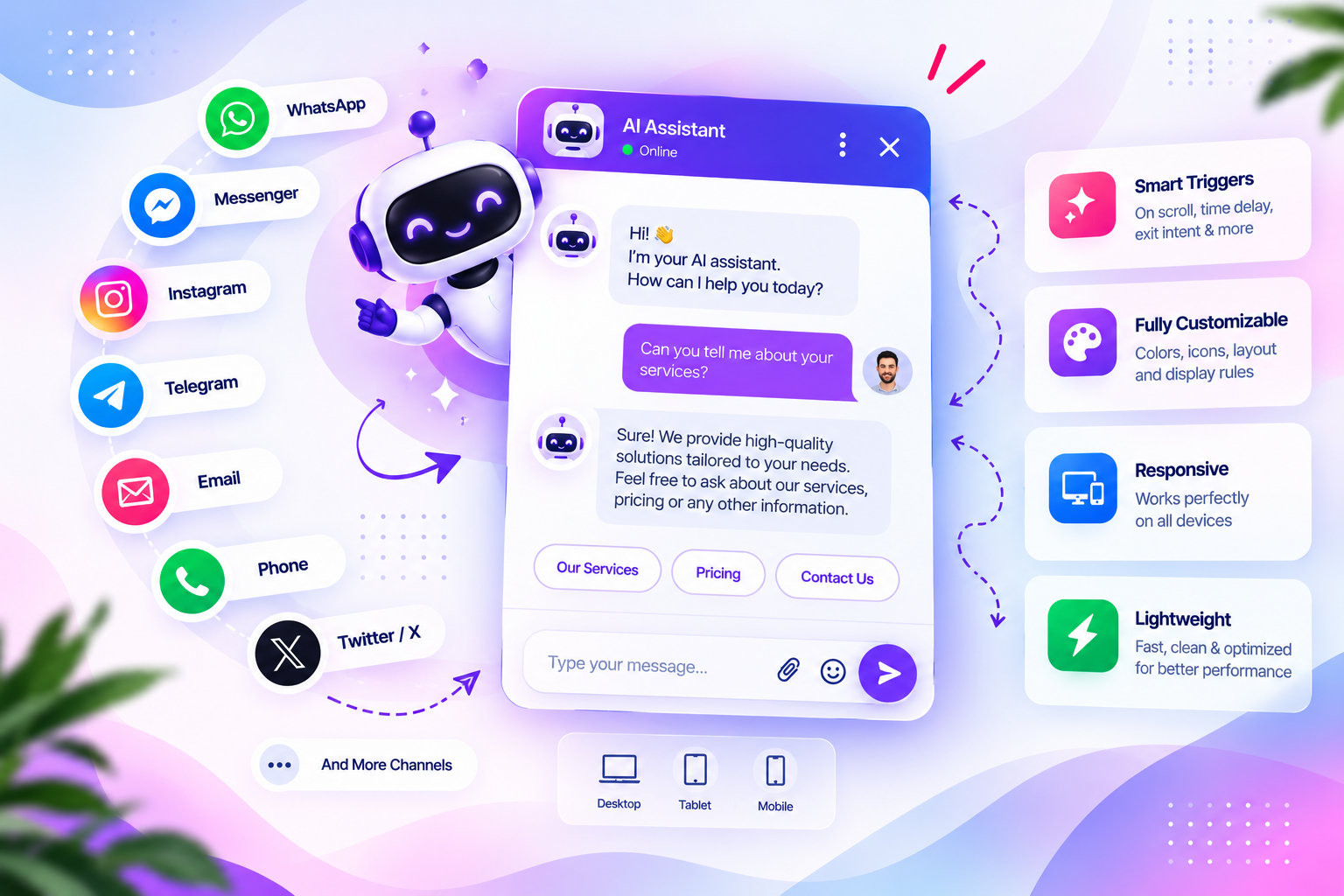
A WordPress communication plugin that combines social contact channels, an AI Assistant with knowledge-base retrieval, a ticket-based Support Center, conversational lead capture, and documented WooCommerce assistance. It is worth evaluating when you want several visitor communication workflows in one WordPress plugin. Check the current provider, storage, and module requirements in its documentation.
2. Tidio
A customer communication platform with live chat and AI-oriented customer support features. Evaluate its hosted-service model, integrations, pricing tiers, and how it connects to your WordPress store.
3. WPBot
A WordPress chatbot option to investigate when you want a chatbot-oriented plugin with configurable conversational flows. Verify current AI integrations, supported content sources, and paid extensions.
4. AI Engine
A WordPress AI plugin with chatbot and broader AI integration capabilities. Compare its AI configuration, content integration, usage controls, and the amount of setup required.
5. HubSpot
A broader CRM and customer communication platform with chat and automation capabilities. It may suit teams that want conversations connected to CRM records rather than a WordPress-only chatbot.
6. ChatBot
A chatbot platform to consider when you need a managed conversation builder and integrations beyond WordPress. Review external subscription costs and how the website integration works.
Where Dragwyb fits
Dragwyb Click to Chat documents separately enabled Social Channels, AI Assistant, and Support Center modules, with additional lead-capture and WooCommerce workflows. Review the feature overview, AI Assistant guide, and lead capture guide before deciding whether its workflow matches your needs.
How to choose the right option
- Choose a simple FAQ bot if you only need a small set of scripted answers.
- Choose a knowledge-base chatbot if answers must reflect your changing website documentation.
- Choose a combined chatbot/helpdesk product if ticket handling and human follow-up matter.
- Test answer accuracy, failure behavior, and source links before launch.
- Calculate plugin subscription costs separately from AI provider usage.
AI chatbot plugins for WordPress: Features and Checks That Matter
When comparing AI chatbot plugins for WordPress, start by writing down the exact task you want to solve. A basic requirement may need only a lightweight plugin, while a larger workflow can require integrations, team permissions, reporting, and dependable support.
Test AI chatbot plugins for WordPress with the same realistic scenario on each shortlisted product. Record setup time, the number of steps required, whether the result is reliable, and what happens when information is missing or a connected service is unavailable.
Table of Contents
Review the total cost of AI chatbot plugins for WordPress, not just the advertised starting price. Check paid extensions, usage limits, external API charges, hosting requirements, agent seats, and the effort needed to maintain integrations over time.
Security and privacy should be part of your evaluation of AI chatbot plugins for WordPress. Check what data is sent to third-party services, how access is restricted, whether logs contain personal information, and how administrators can revoke integrations or user permissions.
Before selecting one of these AI chatbot plugins for WordPress, verify current compatibility, documentation, update history, and support options. Features and plan limits can change, so confirm important claims on the vendor’s official site before relying on them.
Final recommendation
There is no single best chatbot for every WordPress site. If your priority is a combined WordPress workflow for AI answers, social channels, support tickets, and lead capture, evaluate Dragwyb Click to Chat alongside dedicated chatbot platforms. Test the same questions in every product and compare the results rather than relying only on feature lists.
Frequently asked questions
Should I choose the plugin with the most features?
Not necessarily. Choose the tool that covers your required workflow with the least unnecessary complexity.
Should I compare free and paid plans separately?
Yes. Record which features are available in the free version, which require an upgrade, and whether external service costs apply.
For additional guidance, consult the official reference and documentation when checking compatibility, setup requirements, and current capabilities.
How often should this comparison be updated?
Review it at least quarterly and whenever a major product release, pricing change, or compatibility change affects the comparison.
